🚚 Free Worldwide Shipping on All Orders!Shop Now

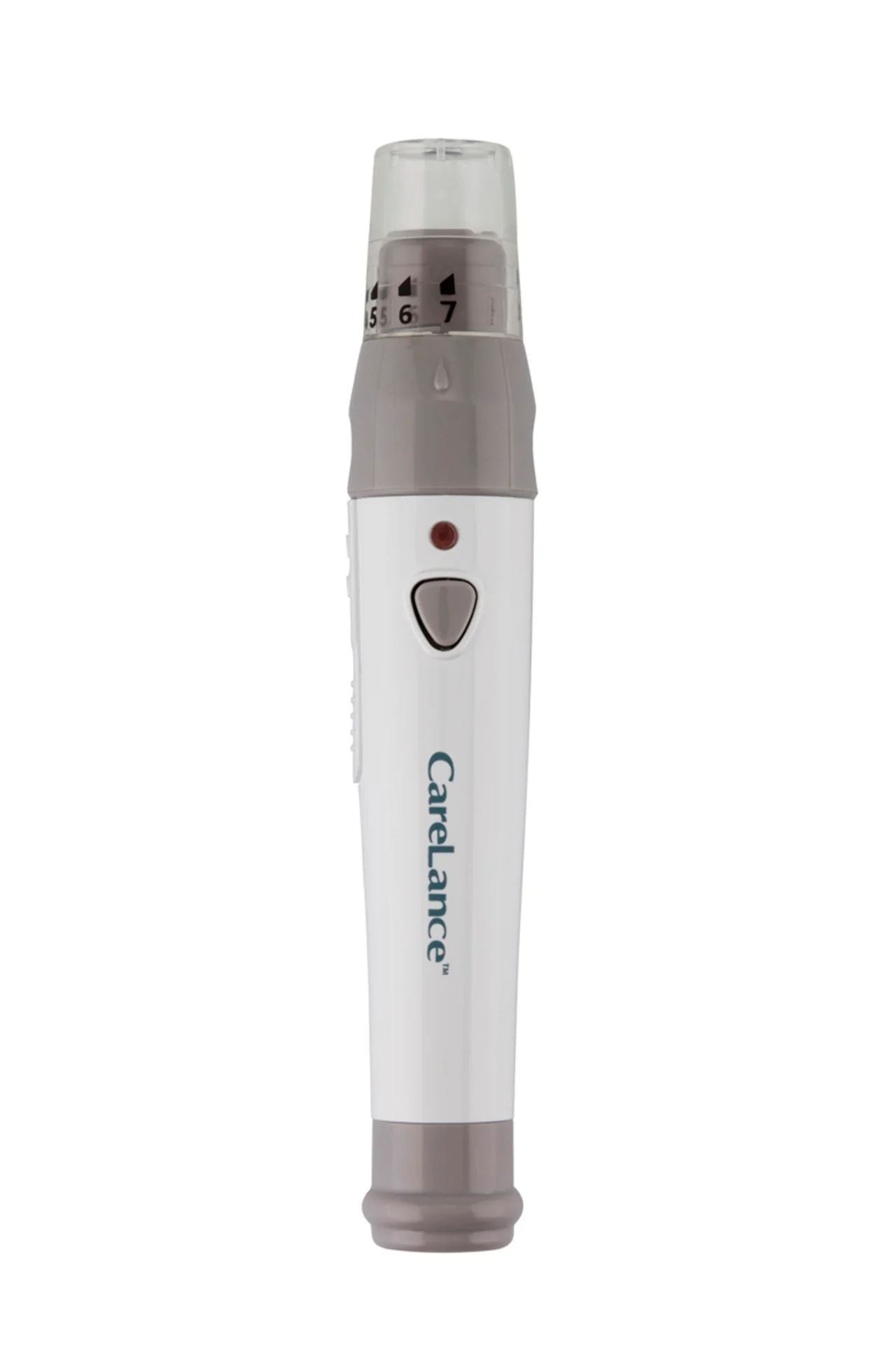
CareLance Lancing Device
Using your CareLance lancing device:
- Wash hands and fingertip sample site with soap and warm water. Rinse and dry thoroughly.
- Unscrew and remove the lancing device tip.
- Firmly insert a new lancet into the lancet holder. Hold the lancet firmly. Gently twist to pull off the protective disk. Save disk to recap lancet after use. Replace lancet device tip.
- Turn the adjustable tip until it is aligned with the load confirmation window and release button.
- Select a desired depth of one – to – seven (1-7) on the lancing device’s adjustable tip. Choose a depth by rotating the top portion of the adjustable tip until the setting number matches the arrow.
- To cock the lancing device, hold the body of the lancing device in one hand. Pull the sliding barrel with the other hand. The device is loaded when you feel a click and the load confirmation window turns red.
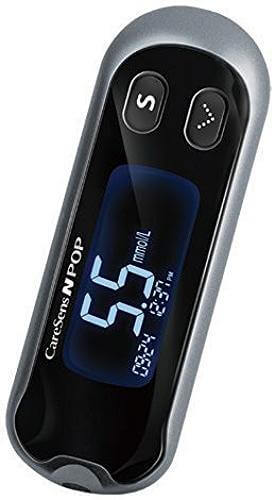
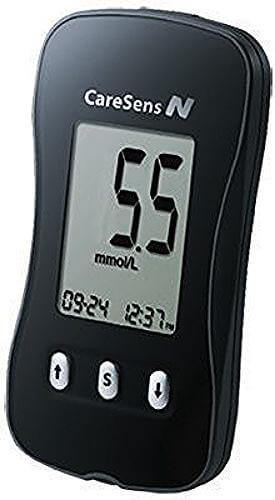
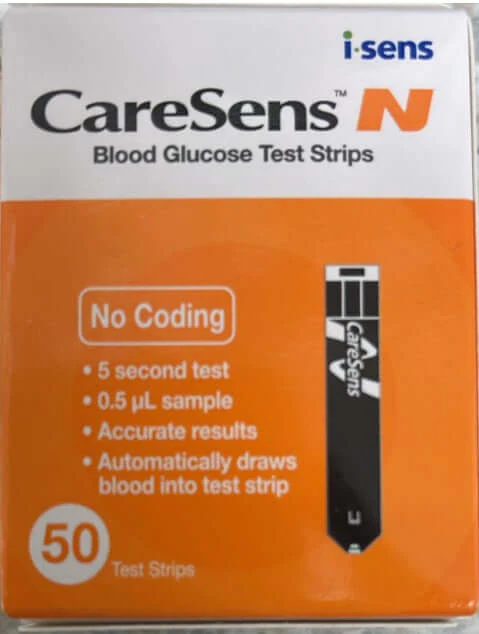
- Place the device against the pad of the finger. Press the release button. Wait a few seconds for a blood drop to form. Apply the blood sample to the narrow end of the test strip till the meter beeps. See instructions for CareSens N, or CareSens N POP meters and CareSens N Test Strips.
$2.89
Original: $9.63
-70%CareLance Lancing Device—
$9.63
$2.89CareLance Lancing Device
Using your CareLance lancing device:
- Wash hands and fingertip sample site with soap and warm water. Rinse and dry thoroughly.
- Unscrew and remove the lancing device tip.
- Firmly insert a new lancet into the lancet holder. Hold the lancet firmly. Gently twist to pull off the protective disk. Save disk to recap lancet after use. Replace lancet device tip.
- Turn the adjustable tip until it is aligned with the load confirmation window and release button.
- Select a desired depth of one – to – seven (1-7) on the lancing device’s adjustable tip. Choose a depth by rotating the top portion of the adjustable tip until the setting number matches the arrow.
- To cock the lancing device, hold the body of the lancing device in one hand. Pull the sliding barrel with the other hand. The device is loaded when you feel a click and the load confirmation window turns red.
- Place the device against the pad of the finger. Press the release button. Wait a few seconds for a blood drop to form. Apply the blood sample to the narrow end of the test strip till the meter beeps. See instructions for CareSens N, or CareSens N POP meters and CareSens N Test Strips.
Product Information
Product Information
Shipping & Returns
Shipping & Returns
Description
Using your CareLance lancing device:
- Wash hands and fingertip sample site with soap and warm water. Rinse and dry thoroughly.
- Unscrew and remove the lancing device tip.
- Firmly insert a new lancet into the lancet holder. Hold the lancet firmly. Gently twist to pull off the protective disk. Save disk to recap lancet after use. Replace lancet device tip.
- Turn the adjustable tip until it is aligned with the load confirmation window and release button.
- Select a desired depth of one – to – seven (1-7) on the lancing device’s adjustable tip. Choose a depth by rotating the top portion of the adjustable tip until the setting number matches the arrow.
- To cock the lancing device, hold the body of the lancing device in one hand. Pull the sliding barrel with the other hand. The device is loaded when you feel a click and the load confirmation window turns red.
- Place the device against the pad of the finger. Press the release button. Wait a few seconds for a blood drop to form. Apply the blood sample to the narrow end of the test strip till the meter beeps. See instructions for CareSens N, or CareSens N POP meters and CareSens N Test Strips.